What is a Genogram?
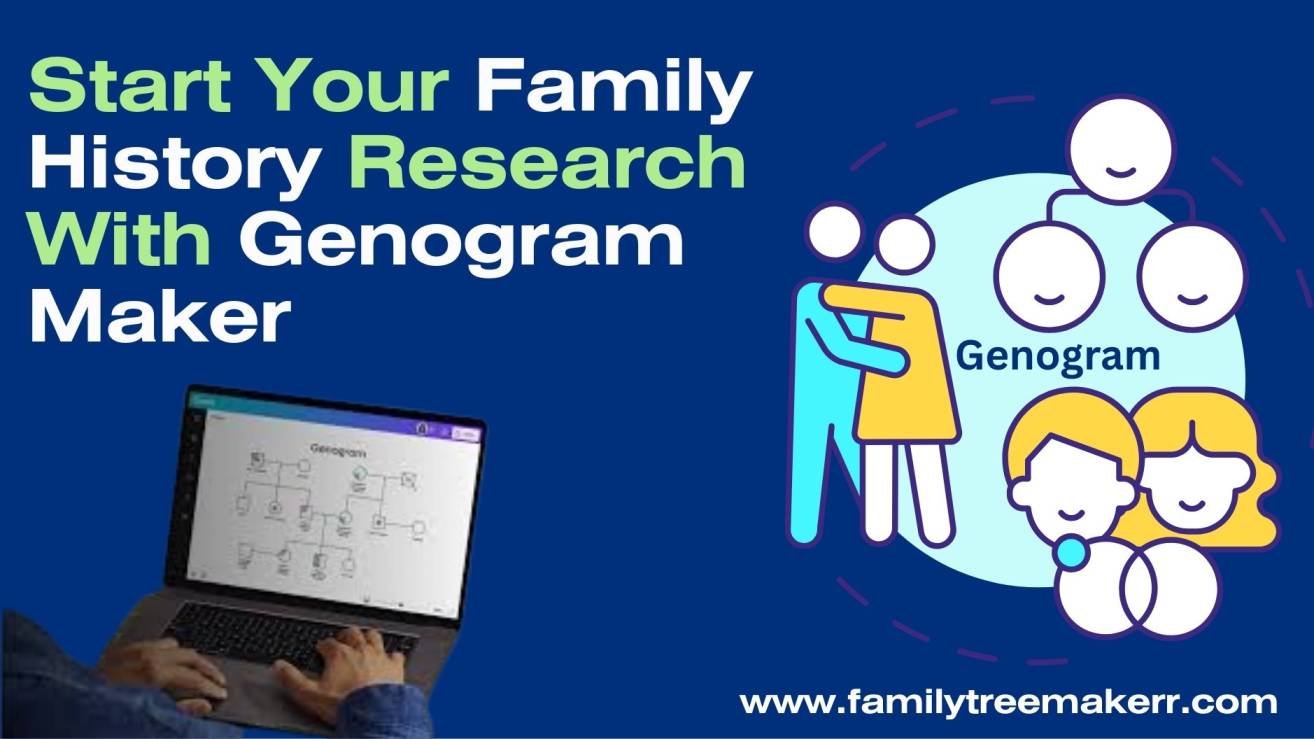
A genogram is just like a family tree, but it gives more details. Instead of only showing family names and relationships, a genogram also shows patterns such as health history, emotional bonds, and behaviors. Therapists, doctors, and social workers often use genograms to understand family background in a deeper way. That’s why they use Genogram Maker.
Why People Use Genogram?
People use a genogram for many reasons. Here, we give some points why people use this. Please check;
- Health history: Doctors use this to track genetic illnesses like diabetes, heart disease, or cancer.
- Therapy and counseling: People also use this to see family relationships, conflicts, or emotional connections.
- Education: Students in nursing, psychology, and social work use genograms to practice family assessments.
- Personal use: If you want to know more about their roots and family patterns then you can use this wonderful tool.
Genogram Maker
A genogram maker is a tool or software that helps you create a genogram quickly. Instead of drawing it by hand, genogram provide you some tools to make a genogram. Popular tools include:
- SmartDraw
- GenoPro
- EdrawMax
- Canva (for simple diagrams)
These programs provide shapes and templates, so you can drag and drop family members, relationships, and health details.
Genogram Example/Symbols
Here’s a simple genogram example:
- A square represents a male.
- A circle represents a female.
- A horizontal line between them shows marriage or partnership.
- Children are drawn below the couple.
- Different colors or symbols can show health conditions, divorce, or emotional closeness.
All these symbols are use to represent relationship. For example, if your grandfather had diabetes and your father also developed diabetes, the genogram shows this health pattern so you can be more aware of your own risks.
How to Create Genogram?
You can create a genogram in a few easy steps:
- Collect information: Talk with family members and write down names, birthdates, health conditions, and major events.
- Choose a format: After collecting the family information the second step is choosing a format. Decide whether to draw by hand or use a genogram maker online.
- Draw family structure: Start with grandparents at the top, then parents, then children.
- Add details: Use symbols for male/female, marriage, divorce, or death. Add notes about health, behaviors, or important facts.
- Review patterns: Look at the finished genogram to see repeating health issues or relationship trends.
This is how you can easily make a genogram using simple steps.
What Makes a Genogram Maker “Good”?
Here, we give some best features that makes a genogram best, please check.
- Drag and drop features
- Prebuilt genogram symbols/shapes
- Export options (PNG, PDF, SVG)
- Collaboration/sharing option
- Free access or generous free tier
- Cross platform/web access
All these points/features makes this a best choice for those who want to know more about their family.
Best Free Genogram Makers
Here are several good free or premium genogram tools:
Canva (Free Templates / Whiteboard mode)
Canva offers free genogram templates and a drag-and-drop designer. You can use their “genogram” templates under the graphs/diagrams section.
Pros: Very easy to use, good for simple genograms, shareable
Cons: Not specialized — limited in advanced genogram features (emotional lines, etc.)
Easy Genogram by Qwoach
A tool made specifically for genograms. It offers drag/drop, relationship types, symbols, and export features.
Pros: Designed for genograms, good customization
Cons: Some advanced features may be restricted or require account/enablement
Venngage (Genogram Maker feature)
Venngage has a built-in genogram maker with templates and a smart editor.
Pros: Polished UI, many templates, good export formats
Cons: The free version may limit how many diagrams you can save or export
Creately
Creately offers a genogram template library and a “shapes library” for genogram symbols. In their free plan, you can create up to 3 diagrams with certain limits.
Pros: Specialized shapes, flexible canvas, good for more complex family diagrams
Cons: Free tier is limited (number of nodes/shapes)
EdrawMax (Online / Free version)
EdrawMax offers genogram templates and a user-friendly interface. You can use many of its features for free (though full features may require a paid license).
Pros: Strong template library, good export options
Cons: Some advanced features behind paywall; interface may have a learning curve.
Lucidchart
While not strictly a “genogram maker,” Lucidchart is a general diagram tool that supports genogram creation. You can use templates and shapes to build genograms.
Pros: Flexible, good collaboration, familiar interface
Cons: Free version has limitations on number of active diagrams / shapes
Which One Should You Choose?
If you confused which genogram maker is Good then check our article
- If you want something very simple and easy, start with Canva.
- For something designed for genograms with relationship / emotional lines etc., try Easy Genogram or Creately.
- If you want strong export and collaboration features, Lucid chart or Edraw Max could work well.
- Always check what the free plan lets you do (how many diagrams, how many shapes, export options).
Conclusion
This is all about in this article. If you like this post then don’t forget to follow us on Facebook. We provide support for genealogist programs like ancestry, family tree maker software, ancestry and more. To get our help, contact us at +1-888-255-1747 or visit www.familytreemakerr.com/.